> For the complete documentation index, see [llms.txt](https://docs.proxyman.com/llms.txt). Markdown versions of documentation pages are available by appending `.md` to page URLs; this page is available as [Markdown](https://docs.proxyman.com/advanced-features/swagger-openapi.md).
# Swagger OpenAPI
How to export Proxyman Requests/Responses to Swagger OpenAPI 3.0 YAML format
## 1. OpenAPI
From Proxyman v5.14.0 or later, Proxyman can export Proxyman Requests/Responses to OpenAPI YAML format or HTML.
* Support YAML Format
* Support HTML - Swagger OpenAPI style
* Built-in in Proxyman, no need for any external dependencies.
Export your requests/response to OpenAPI HTML Style
## 2. How to use
1. Capture HTTPS requests with Proxyman. Follow the following setup guide:
* [iOS devices (iPhone, iPad)](/debug-devices/ios-device.md)
* [iOS Simulator](/debug-devices/ios-simulator.md)
* [Android devices](https://docs.proxyman.com/advanced-features/pages/-LlQ1Eao4IFC0QH6bL4W#id-1.-android-setup-guide)
* [Android Emulator](/debug-devices/android-device/automatic-script-for-android-emulator.md)
* [macOS (Web Browser)](/debug-devices/macos.md)
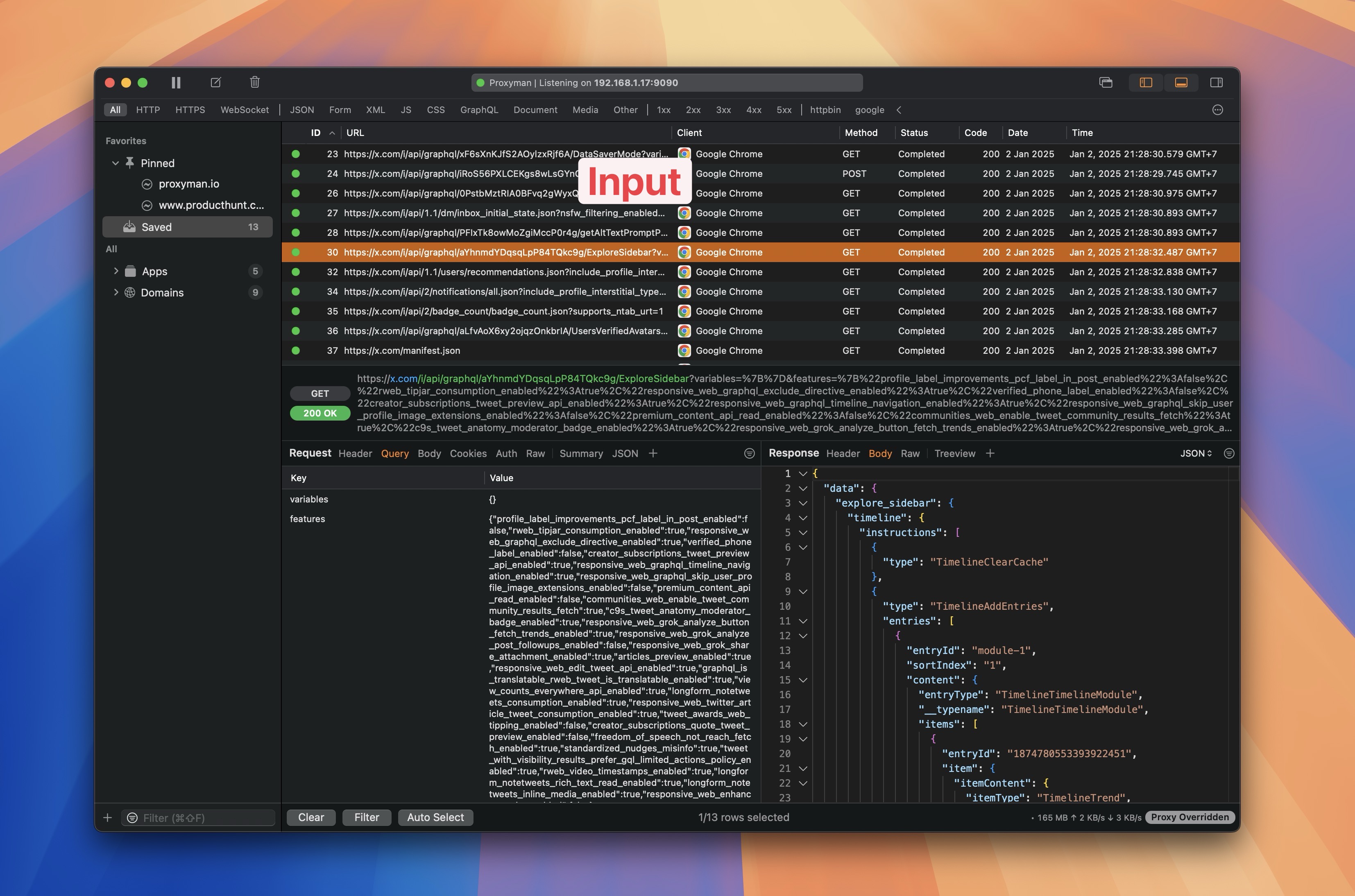
Verify Proxyman can capture & decrypt your HTTPS Requests/Responses
Capture your HTTPS Request/Response
2. Select your requests on the main table -> Right-Click -> Export -> OpenAPI -> Select either OpenAPI YAML or OpenAPI HTML
3. Done :white\_check\_mark: